Flash in your browser
Play classic Flash games and animations safely in 2026 using Ruffle and Flashpoint — without insecure old plugins.
Browser guides →Enable classic Flash content safely in any browser, fix camera flash permissions on Android and iPhone, and switch on flash alerts for calls and messages. Tested steps, no risky downloads.
The same phrase shows up in three very different places. Pick your situation and jump straight to the right guide.
Play classic Flash games and animations safely in 2026 using Ruffle and Flashpoint — without insecure old plugins.
Browser guides →An app asking to “allow flash”? Learn how camera and flashlight permissions work on Android and iPhone, and fix flash errors.
Permission guides →Make your phone blink its LED for calls and messages — a lifesaver in loud places and a key accessibility feature.
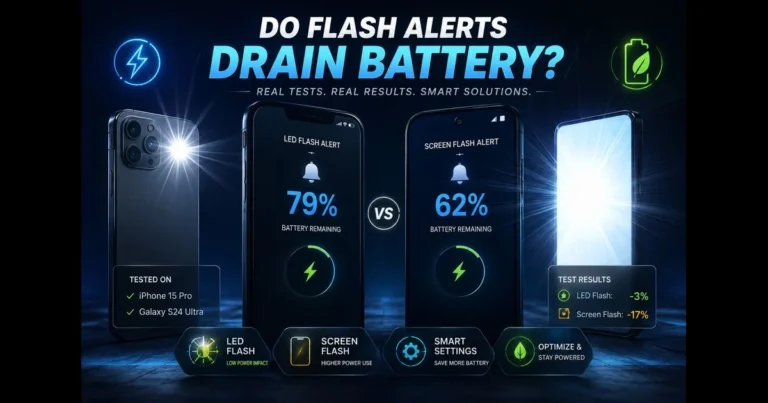
Alert guides →Concerned about flash notifications draining your battery? You’re not alone. As smartphones increasingly offer varied alert methods—from banners to haptics to camera flashes—users want…
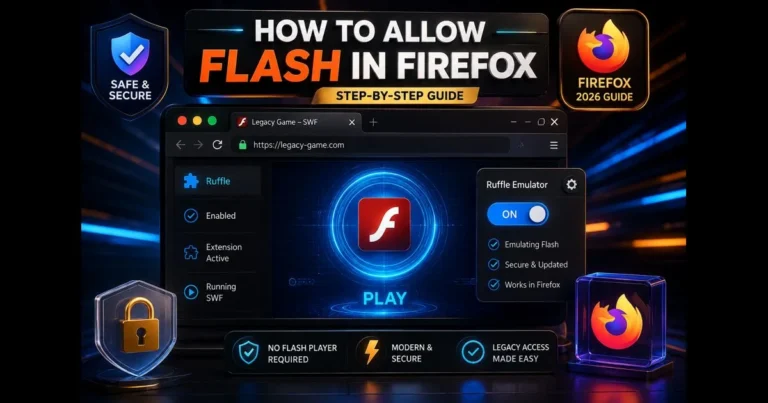
If you’re searching for how to allow Flash in Firefox, you’re likely trying to access a legacy site or classic game that still depends…
Adobe has officially ended support for Flash, and modern systems no longer run it safely. If you still see traces of the plugin or…
If you love Flash games, you’re in good company. The bite-sized challenges, quirky humor, and instant playability make these titles some of the most…
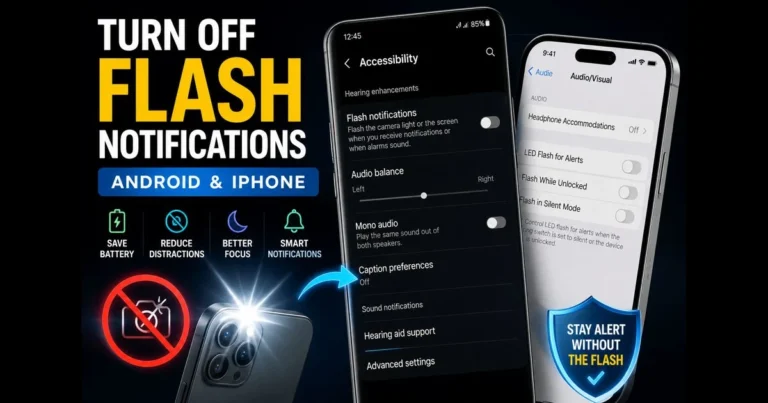
Camera-flash alerts can be useful for visual cues, but they become disruptive in dark theaters, meetings, or at bedtime. If you’re looking to turn…
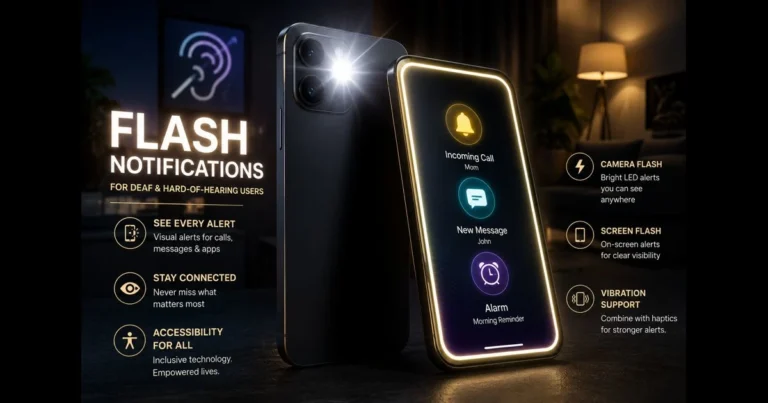
When sound isn’t an option, light steps in. Flash notifications provide deaf and hard-of-hearing users a fast, visible way to catch calls, messages, alarms,…
It depends entirely on where you see it. In a browser context it historically meant permitting Adobe Flash content to run; on a phone it means granting an app permission to use the camera flash; and in accessibility settings it refers to enabling flash alerts that blink your LED for calls and messages. This site covers all three meanings with dedicated guide sections.
Because three unrelated features share the word "flash": Flash content (games and animations), the camera flash (your phone's LED light), and flash notifications (visual alerts). Each lives in a different settings menu, which is why the same phrase appears in so many places.
No — they are completely unrelated. Adobe Flash was a software platform for web games and animations, retired in December 2020. Your camera flash is the physical LED on the back of your phone. They only share a name.
Browsers removed the old allow/block Flash setting years ago. Today Flash games and animations run through the open-source Ruffle emulator — either as a browser extension or through preservation projects like Flashpoint Archive. Our Browser Flash Guides section walks through each method safely.
Grant the Camera permission — on both Android and iPhone the flashlight is controlled through the camera system, so there is no separate flashlight permission. If the flash still fails afterwards, check Battery Saver mode and whether another app is holding the camera. Our Camera Flash Permissions guides cover every fix.
Flash notifications blink your phone's LED or screen when calls and messages arrive. They were designed as an accessibility feature for deaf and hard-of-hearing users, but anyone who works in loud environments or keeps their phone on silent finds them useful. Setup takes under a minute in your phone's Accessibility settings.
Granting camera/flash permission to a trustworthy app is fine, and running Flash content through modern emulators is safe. The one genuine danger: downloading "Flash Player" installers from random websites — Adobe no longer distributes Flash, so those downloads are a well-known malware trap. We never link to them.
Tell us your exact model and software version — we test reader requests and publish new guides every week.